Managing a business requires handling a massive amount of paperwork. Whether it is sales orders, invoices, picking slips, or purchase orders, you probably need physical copies on a daily basis.
But if you are using standard Odoo, you might have noticed a slight bottleneck in your workflow. By default, to print documents from Odoo, you have to first generate a PDF, wait for it to download to your computer, open the file, and then send it to your printer. When you are processing dozens or hundreds of orders a day, those extra clicks add up, costing you valuable time and cluttering your download folder with unnecessary PDF files.
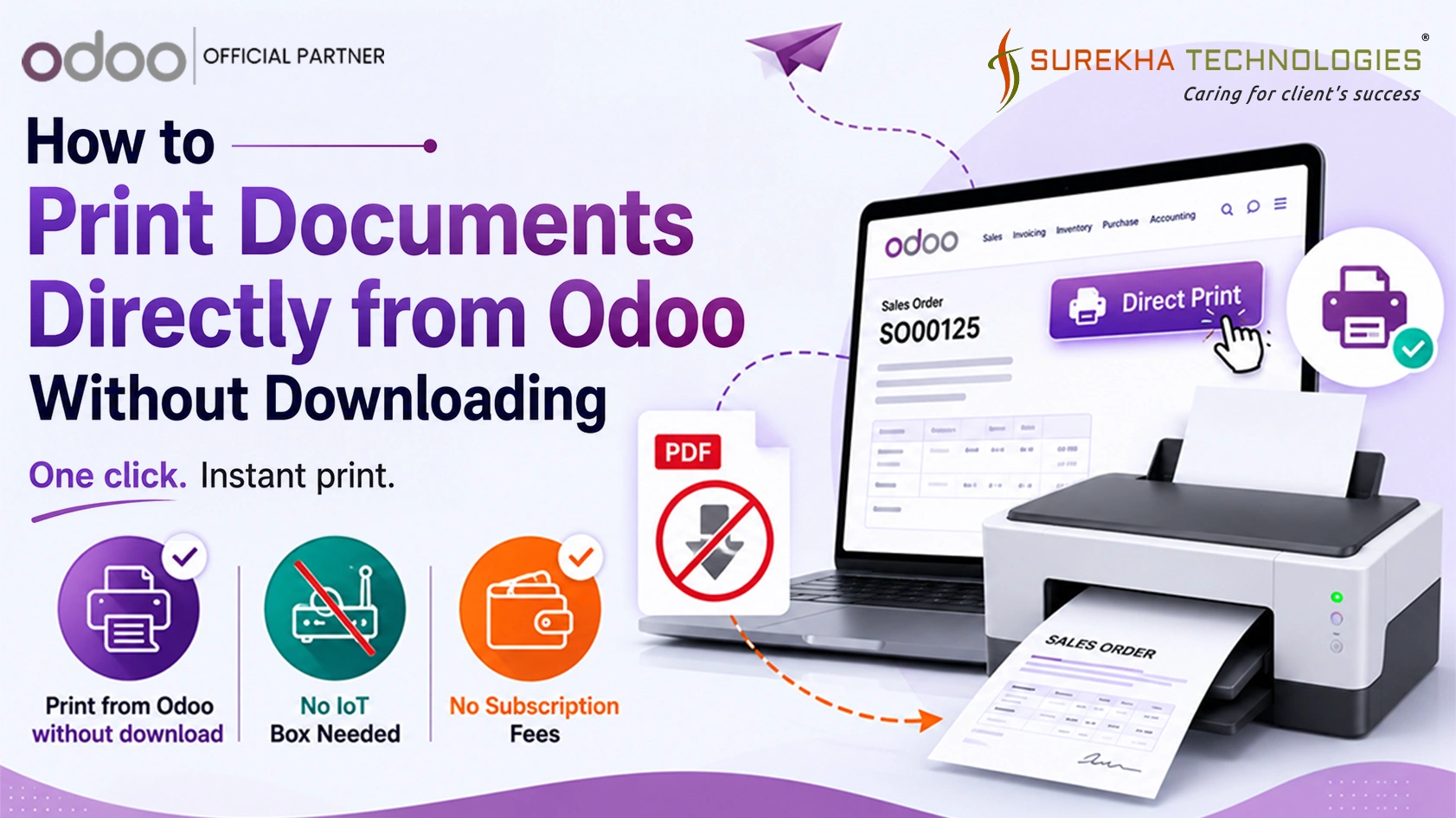
What if you could bypass that entirely and print from Odoo without download?
In this blog, we'll explore how you can streamline your workflow and send documents straight to your printer with a single click.
The Hassle of the Standard Print Workflow
Imagine a busy retail counter or an active warehouse. A customer is waiting for their receipt, or a warehouse worker needs a picking slip right now. In the standard setup, the user has to click "Print," wait for the browser to download the file, open the PDF viewer, select the printer, and hit print again.
Not only is this tedious, but it also breaks the user's concentration and slows down operations.
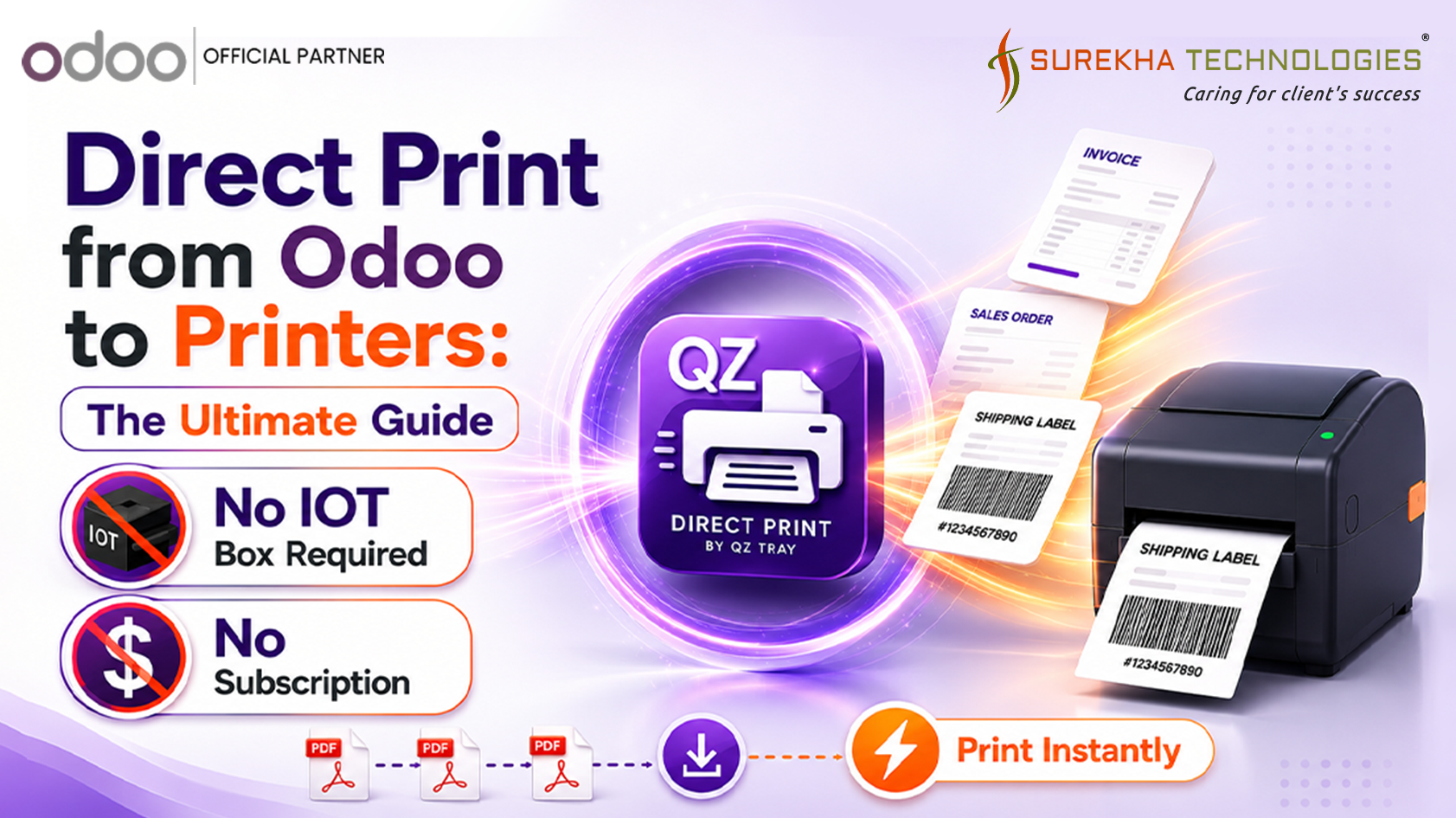
Fortunately, the solution is Odoo direct printing.
The Solution: One-Click Direct Printing
By integrating a direct print solution, you remove the middleman (the PDF download) from your process. You can configure your local or network printers directly within your Odoo database. Once set up, a simple click of a button sends the document immediately to your designated printer.
How It Works (Step-by-Step)
Here is a quick look at how seamless the process becomes:
- Easy Printer Configuration Instead of relying on your browser's print dialog, you can configure your printers directly inside the system. You can even assign specific reports.
- Go to Technical → Actions → Reports
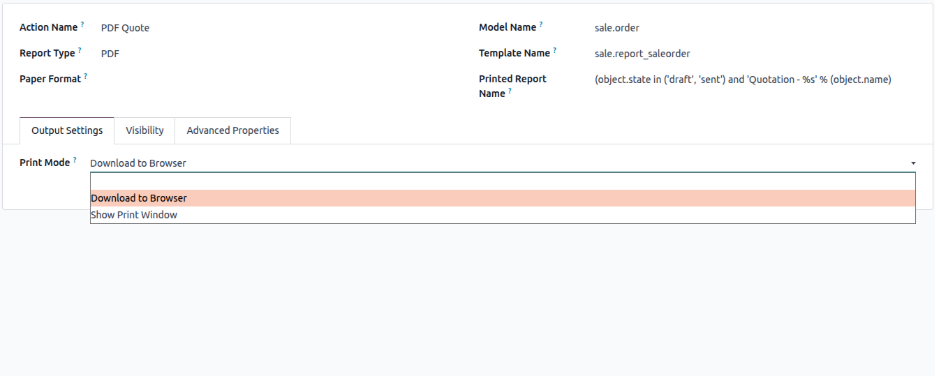
- Select the Show print window for the PDF Quote
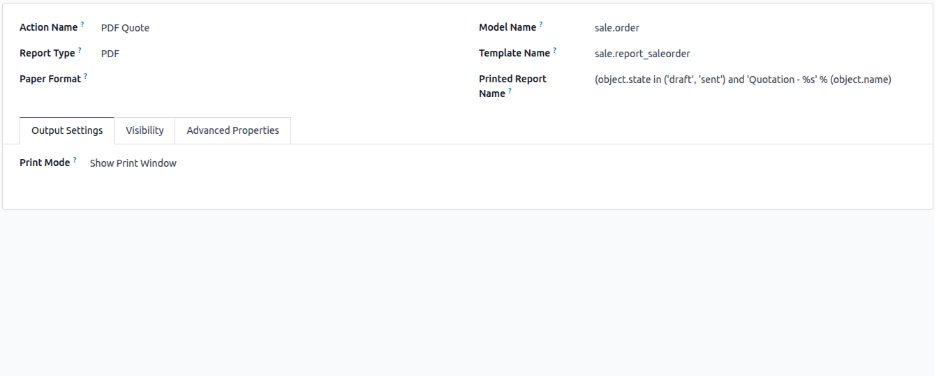
- Select Your Document Navigate to the document you need. This works across various modules, whether you are looking at a Quotation, an Invoice, or a Delivery Order.
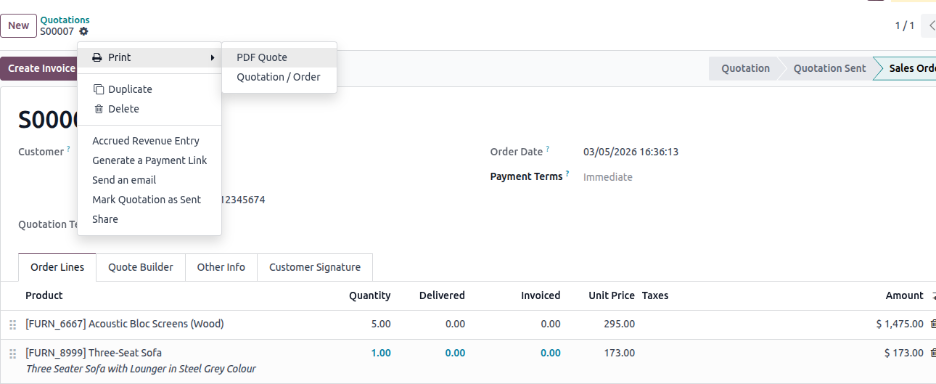
- Click the Direct Print Button Instead of the native "Print" button that forces a download, you will use the new direct print action. With just one click, the system communicates directly with your hardware.
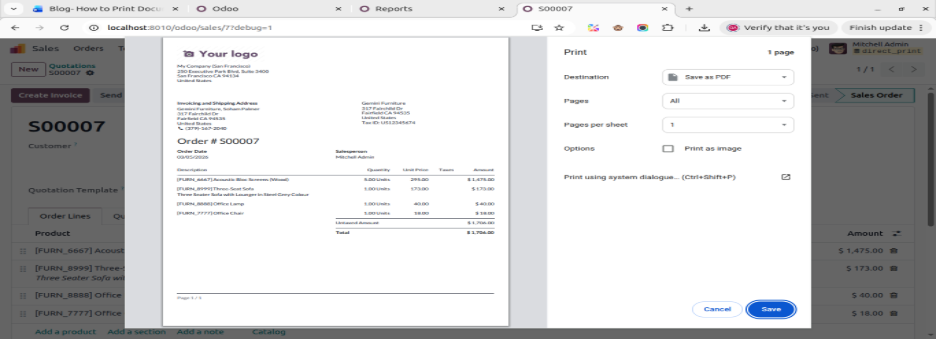
- Done! The printer instantly starts rolling. No pop-ups, no downloaded files, and no wasted time. To print documents directly from Odoo really is that simple.
Key Benefits of Direct Printing
- Massive Time Savings: Eliminate 3-4 extra clicks per document. It takes seconds off every transaction, leading to hours saved over a month.
- Cleaner Computers: Say goodbye to a "Downloads" folder stuffed with hundreds of files named invoice_1093.pdf.
- Fewer User Errors: By hard-coding which document goes to which printer, employees won't accidentally print confidential invoices to the busy warehouse floor.
- Better Customer Experience: Faster printing means faster service at point-of-sale registers and front desks.
Ready to Upgrade Your Printing Workflow?
If you are tired of downloading PDFs just to get a physical piece of paper, it is time to optimize your process. Enabling direct print functionality is one of the quickest ways to boost your team's daily productivity.
Ready to cut out the extra clicks and start saving time?
Conclusion
In a fast-paced business environment, every second counts. Forcing your team to manually download, open, and print PDF files is an outdated bottleneck that slows down your daily operations. By upgrading your system to print documents directly from Odoo, you instantly remove those unnecessary steps.
The result? A faster checkout process at your point of sale, a more efficient warehouse floor, cleaner computers, and a happier team. If you want to optimize your workflow and print from Odoo without download, the solution is just a click away.
Get the app here and transform your workflow today: [ Odoo App Store Link]
FAQ
Can you print directly from Odoo?
Yes! While the default Odoo setup requires downloading a PDF first, you can use an Odoo direct printing integration to bypass the download entirely and send jobs straight to your local or network printers with one click.
How do I print documents from Odoo without downloading?
To print from Odoo without download, you simply need to install a direct print module. Once installed, you configure your printers inside Odoo. After that, a new "Direct Print" button will allow you to instantly print invoices, picking slips, and sales orders.
Does Odoo support direct printing to local printers?
Out of the box, standard Odoo generates a PDF file for your browser to handle. However, by adding a direct print app from the Odoo store, you can seamlessly connect and route documents straight to any local or network printer configured in your system.