Why Operational Issues Happen in Odoo Accounting
Odoo Accounting is one of the most powerful modules in the Odoo ecosystem. It is automated, integrated with Inventory, Sales, Purchase, and Manufacturing, and capable of real-time financial reporting.
Yet many businesses experience operational confusion.
The reason is rarely a system error.
Most challenges arise from:
- Gaps in accounting fundamentals
- Incorrect configuration
- Workflow misunderstandings
- Hidden automated journal entries
This guide explains the most common Odoo Accounting challenges and provides clear, practical solutions for each.
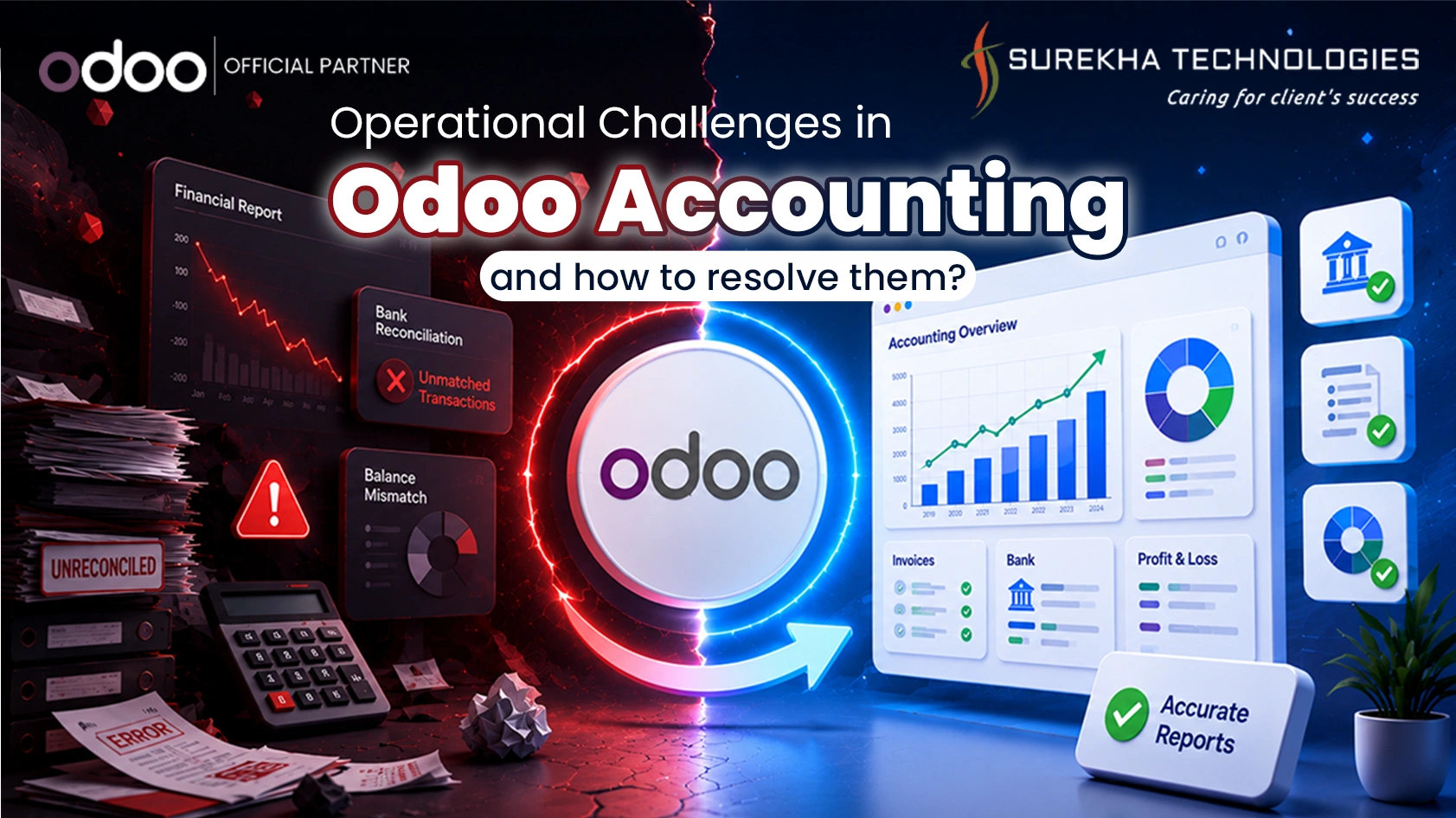
Operational Challenges in Odoo Accounting
Unit of Measure (UoM) Confusion
Purchasing goods in bulk and selling in small quantities will create discrepancies in valuations of inventory, as well as COGS, due to wrong unit of measure settings. Ensure that the units of measure fall in the same category and have proper conversions set up, and assign purchase, sales, and inventory units of measure. Inventory -> Configuration -> Units of Measure.
Cash Basis vs Accrual Basis Confusion
Revenue appears only after payment or reports show missing balances due to misunderstanding between cash and accrual reporting modes.Switch between Cash and Accrual views in Accounting -> Reporting, reconcile invoices properly, and verify tax configuration settings.
Example : An invoice is raised in March, but the payment comes in April. In the cash method, the income would only show up in April once the payment comes in, hence resulting in lesser numbers in March. On the other hand, the same income will show up in March through the accrual method because it was issued on that date regardless of whether it is paid or not. If the invoices are not reconciled or if there is a mistake in tax settings, it could lead to discrepancies in reports.
Incomplete Reconciliation (Money Appears Stuck)
Invoices show unpaid status or bank balances don’t match because payments are recorded but not reconciled.Follow the correct workflow: Validate Invoice -> Register Payment -> Reconcile using the reconciliation tool in Accounting.
Example : A company records a ₹10,000 customer payment in the bank journal, but does not reconcile it with the corresponding invoice. The invoice still shows as unpaid, and the bank balance appears higher than expected, making it seem like the money is “stuck” until reconciliation is completed.
Chart of Accounts (CoA) Misconfiguration
Too many accounts or incorrect account types lead to distorted financial statements and reporting confusion.Review account types carefully (Assets, Liabilities, Income, Expenses), avoid unnecessary accounts, and monitor the Trial Balance regularly.
Example : A business creates multiple unnecessary expense accounts like “Office Supplies 1,” “Office Supplies 2,” and also misclassifies a loan as income. This leads to a confusing Profit & Loss statement and incorrect financial insights.
Payment Journal vs Payment Method Confusion
Users confuse journals (Bank/Cash) with payment methods (Manual/Check), causing reconciliation errors.Configure journals correctly under Accounting -> Configuration -> Journals and assign appropriate payment methods without duplicating bank journals.
Example : A user creates two separate bank journals for the same bank account just to handle “Check” and “Manual” payments. This causes duplicate bank entries and makes reconciliation difficult instead of simply assigning multiple payment methods to one journal.
Bank Reconciliation Issues
Duplicate transactions, missing entries, or unmatched balances create discrepancies in bank reports.Import bank statements properly, avoid unnecessary manual entries, and reconcile transactions weekly using the reconciliation tool.
Example : A bank statement shows a ₹5,000 transaction, but the user also manually entered the same transaction earlier. This results in duplicate entries, and the bank balance in the system does not match the actual bank statement.
Inventory Valuation Mismatch
Incorrect stock value and COGS due to wrong costing method (FIFO, AVCO, Standard) configuration.Verify costing method and valuation settings in Inventory -> Configuration -> Product Categories and avoid changing methods mid-year.
Example :The business changes its inventory accounting system from FIFO to AVCO in the middle of the fiscal year, making the cost of goods sold and inventory valuation inconsistent, which results in erroneous computation of profits.
Multi-Currency Gain/Loss Confusion
Differences in exchange rates can result in confusion regarding gains and losses in financial statements.Steps to take:
Enable multiple currencies, update exchange rates, and perform month-end currency revaluation for automatic gain/loss postings.
Example : An entity invoiced a customer at $1,000 based on an exchange rate of ₹80/USD. However, the client pays based on ₹82/USD. This results in a gain of ₹2,000.
Lock Date Restrictions
Users cannot edit journal entries due to unexpected lock date settings.Check and adjust lock dates under Accounting -> Settings -> Lock Dates based on user permissions.
Example : An accountant tries to edit a March journal entry in April but cannot because the books are locked up to March 31. This restriction prevents changes unless the lock date is updated by someone with proper access.
Reports Not Matching Reality
There is no correlation between Profit & Loss or Balance Sheet as per expectation, owing to lack of reconciliation, incorrect account type, or drafts. Validate the entries, ensure reconciliation is done, verify the account type, and validate the reporting filters.
Example : The Profit & Loss statement depicts lesser profits since certain invoices remain on draft status or reconciliation is not done for payments.
Conclusion
Most Odoo accounting issues stem from the fact that the system is highly automated. When one part of the workflow (like Inventory or Sales) is skipped, the accounting entries suffer. By following these best practices and ensuring proper configuration, you can turn Odoo into a seamless financial engine for your business.
FAQ
Why does my invoice still show as "In Payment"?
It hasn't been matched with a bank statement line. You must complete the bank reconciliation process to move it to "Paid."
Why does my Profit & Loss differ in Cash vs Accrual?
Cash basis records revenue when payment is received. Accrual records when invoice is validated.
Why is my inventory value incorrect?
Check costing method and valuation configuration in Product Categories.
What causes bank reconciliation errors?
Duplicate journals, manual entries, or improper statement imports.
Why can’t I edit journal entries?
Check Lock Dates under Accounting Settings.