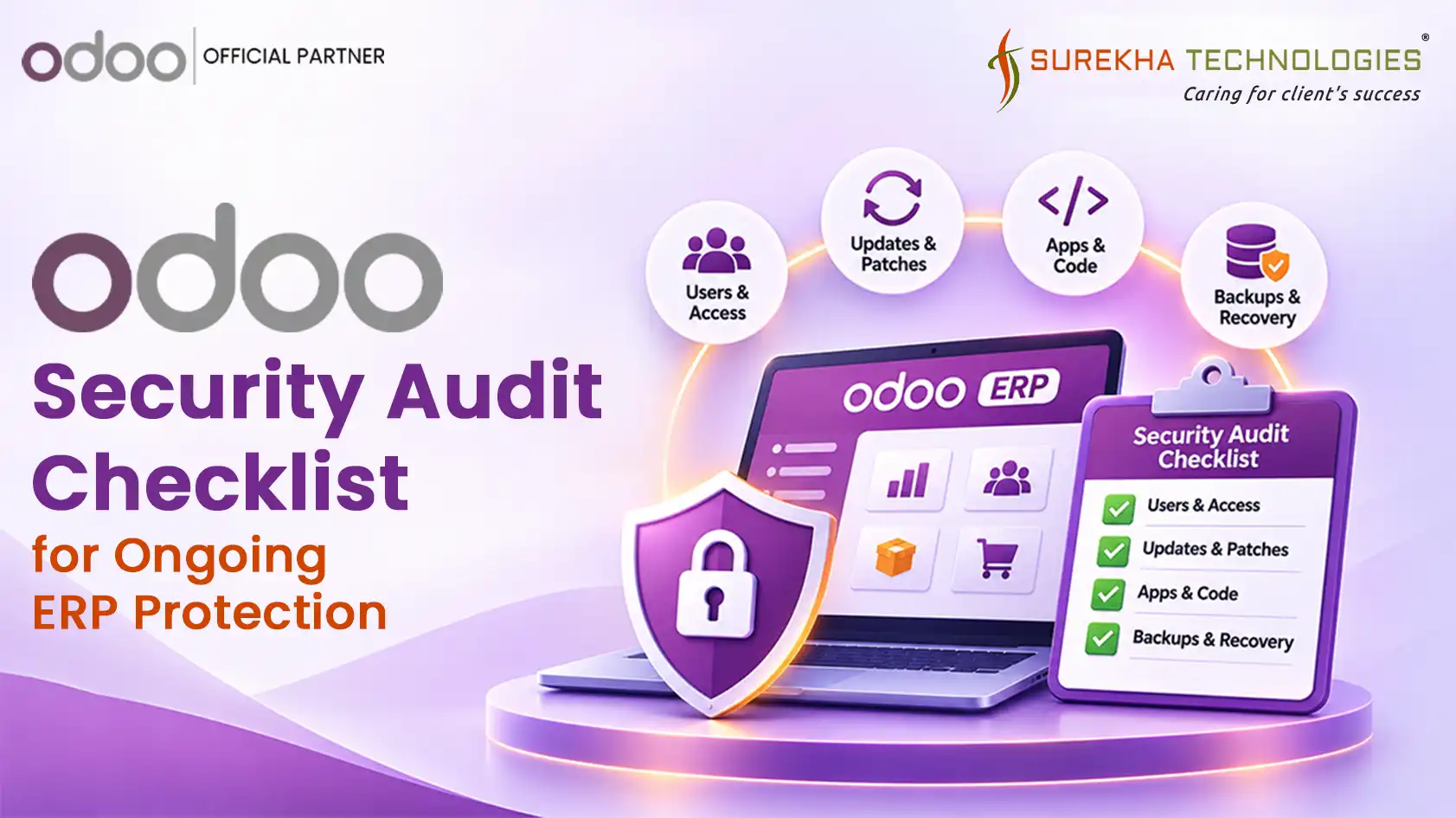
Most companies treat ERP security like assembling IKEA furniture. You build it once, follow the instructions, throw the Allen wrench in a drawer, and never look at it again. Except with Odoo, your entire business lives inside it. Customer data, payroll, bank details, supplier contracts, inventory. If someone breaks in, everything stops dead. IBM's 2026 report puts the average data breach at $4.99 million right now—terrifying enough before you even factor in angry clients and compliance fines.
The problem is that an Odoo setup never stays the way it looked on launch day. Six months later, you have hired twelve new people, someone installed three random marketplace apps to fix a minor workflow annoyance, and suddenly half the sales team accidentally has admin rights. That slow creep of messy permissions is how breaches happen.
Verizon's 2026 DBIR found that 31% of breaches start with unpatched vulnerabilities (which beat stolen passwords this year), and companies take a median of 43 days to fix known flaws. Hackers do not wait six weeks for your IT guy to get around to it.
How Odoo Version 20 Makes Security Audit Less Daunting
If you are upgrading or already on Odoo 20 (which dropped in September 2026), things got a lot less painful to audit:
No more split permissions
In Odoo 19 and older, you had to juggle ir.model.access and ir.rule separately, which was a nightmare to cross-reference. Odoo 20 mashed them into one unified ir.access model. Inside Studio's Security tab, you just look at Permissions (Read, Create, Edit, Delete) and Restrictions (which records they see) in one spot. Huge relief.
Built-in paper trails
You do not need custom modules just to see who messed with user groups anymore. Odoo 20 automatically logs group changes right inside the user's chatter and server console, plus mail records now show the exact source of their content.
Less third-party leakiness and AI guardrails
They ditched Firebase push notifications for Odoo's own internal push tools, added a cleaner mobile login, and put a Supervised access level on POS. Also, people forget this, but Odoo 20 has autonomous AI agents and MCP connections that can literally create and edit records on their own. You have to audit what those AI workflows and Studio webhooks are allowed to touch.
Version cutoff
Because Odoo 20 is out, anything on Odoo 17 or older is officially dead for security patches. If you are still using 17, you are running known vulnerabilities.
Not Sure if Your Current Odoo Setup Has Hidden Permission Leaks or Outdated Modules?
Reach out to our Odoo consulting team for a quick security health check before minor gaps turn into major headaches.
Odoo Security Audit: Essential Checks to Perform Regularly
If you want to keep things locked down without losing your mind, here is the realistic checklist you should be running through regularly:
1. Users and Passwords (The Human Mess)
Verizon says 62% of breaches still involve a human screwing something up.
- Kill unnecessary admin rights: Audit Sales, Accounting, Inventory, and HR. If someone does not actively configure the system, take away their admin access.
- Check record rules (ir.rule): Make sure regional managers, reps, and external vendors only see their own stuff, not the whole company's numbers.
- Offboard immediately: Compare active Odoo users against HR's actual payroll list. When someone quits or a contract ends, shut off their login that day.
- Force 2FA: Everyone internal needs Two-Factor Authentication. Non-negotiable, especially for anyone touching finance or database settings.
- Check portal access: Double-check that customers and vendors logging into the portal cannot peek at internal notes, cost prices, or other clients' orders.
2. Updates and Patches
- Stay on a supported version: Make sure you are actually getting official patches.
- Watch the advisories: Keep an eye on Odoo security announcements and CVEs for Python and PostgreSQL too, not just Odoo itself.
- Use a staging server: Never apply patches straight to your live production database. Test updates in staging first so you do not accidentally break invoicing or custom reports on a Tuesday morning.
- Check OS dependencies: Make sure someone is monitoring the underlying server packages so an old Linux library does not ruin everything.
3. Third-Party Apps and Custom Code
Odoo is awesome because you can customize anything, which is also why it breaks.
- Stick to trusted sources: Use OCA (Odoo Community Association) modules or verified partners instead of sketchy, abandoned marketplace downloads.
- Delete dead weight: Uninstall apps you tested once and forgot about. Unused modules still sit in your codebase and make upgrades miserable.
- Review custom scripts: Have a developer check custom code for dumb mistakes like SQL injection, cross-site scripting, or hardcoded API keys left sitting in plain text.
- Lock down APIs: Make sure any custom REST, XML-RPC, or JSON-RPC connections actually authenticate properly and obey user permissions.
4. Server and Database Basics
Even a spotless Odoo setup will not save you if the server door is wide open.
- HTTPS everywhere: Valid, auto-renewing SSL certificates for all web and API traffic. No plain text logins.
- Hide the database manager: Set list_db = False in your config file and put a strong master password on it. Otherwise, random people on the internet can see your database names and try to download backups.
- Isolate PostgreSQL: The database should only talk to the Odoo app server, never the open internet.
- Tighten SSH and firewalls: Close unused ports, turn off password SSH logins (use cryptographic keys), and restrict server access to specific IPs or your VPN.
5. Backups (Because Things Still Break)
Security is not just hackers; it is ransomware, dead hard drives, or an intern accidentally deleting an entire product catalog.
- Follow the 3-2-1 rule: Three copies of your data, two different storage types, one encrypted copy stored somewhere off-site geographically.
- Grab the filestore, too: Daily backups need both the PostgreSQL database and the Odoo filestore. If you skip the filestore, you lose all your PDFs, invoices, attachments, and product images.
- Encrypt and lock backups: Do not let a compromised admin account delete your backup history.
- Actually test a restore: An untested backup is just wishful thinking. Run a restore drill into a test environment once a quarter to make sure it actually works and meets your recovery time goals.
6. Logs and Monitoring
- Track sensitive changes: Turn on heavy audit logging for chart of accounts edits, vendor bank detail changes, payroll tweaks, and inventory write-offs.
- Block brute-force attempts: Watch failed logins and set up Fail2ban or rate limiting so bots cannot sit there guessing passwords all night.
- Read the error logs: Have someone routinely scan server logs for weird API spikes or sudden permission errors.
- Write it down: Keep a central record of your access reviews and backup tests. When GDPR, ISO 27001, or SOC 2 auditors show up, you will not have to scramble.
Conclusion
Doing this once a year does not cut it anymore. The easiest way to keep from burning out, or paying emergency recovery rates when something inevitably breaks, is to turn this into a boring, predictable routine: monthly staging windows for patches and backup checks, quarterly sweeps to kick out old users and unused apps, and automated monitoring watching logins around the clock. If you do not have an internal security team (and most growing companies do not), getting a dedicated Odoo support partner to handle the monthly maintenance and drills keeps your ERP from turning into a ticking time bomb.
At Surekha Technologies, we help growing organizations bridge the gap between day-to-day operations and long-term ERP peace of mind. Our team partners closely with your leadership to oversee regular security reviews, manage ongoing Odoo support and maintenance, and keep your system aligned with the latest Odoo standards as your business evolves. With Surekha Technologies handling the protective work behind the scenes, your staff can stay focused on serving customers and driving growth.
Ready to Take Odoo Maintenance Off Your Plate?
Hire our Odoo developers to lock down your server, audit permissions, and handle monthly updates so you can focus on running your business.
Frequently Asked Questions
How often should we run an Odoo security audit?
Most businesses should run a full Odoo security audit checklist quarterly, paired with monthly security patch reviews. You should also conduct a targeted audit immediately after major version upgrades, leadership changes, or new third-party integrations.
Is Odoo Community Edition less secure than Odoo Enterprise?
Both editions share the same core framework and security architecture. However, Odoo Enterprise includes official vendor support, streamlined version upgrades, and built-in features that simplify maintenance. Companies using Community Edition can achieve equally strong Odoo ERP security through disciplined patching and dedicated partner support.
Can third-party Odoo apps introduce security vulnerabilities?
Yes. Unvetted third-party modules can bypass standard access rules, rely on outdated libraries, or expose insecure API endpoints. Always review app source code in a staging environment before installing it in production and remove modules you no longer use.
What is the biggest security risk for growing businesses using Odoo?
The most common risk is gradual permission creep combined with delayed patching. As teams grow, employees often accumulate administrative rights they no longer need, while busy IT teams postpone server updates. Regular access reviews and scheduled maintenance eliminate both gaps.
Why is ongoing Odoo support and maintenance essential after completing a security audit?
A security audit captures one moment, while users, integrations, and threats change weekly. Ongoing Odoo support and maintenance keeps your Odoo security audit checklist active through scheduled updates, regular permission reviews, and verified backups.
How does Surekha Technologies help businesses with Odoo security audits and ongoing maintenance?
Surekha Technologies helps businesses run structured Odoo security reviews, tighten user permissions, and manage updates safely. Their team handles continuous monitoring, backup testing, and Odoo 20 readiness, so your ERP stays protected without disrupting operations.