NetSuite to Odoo Migration Services

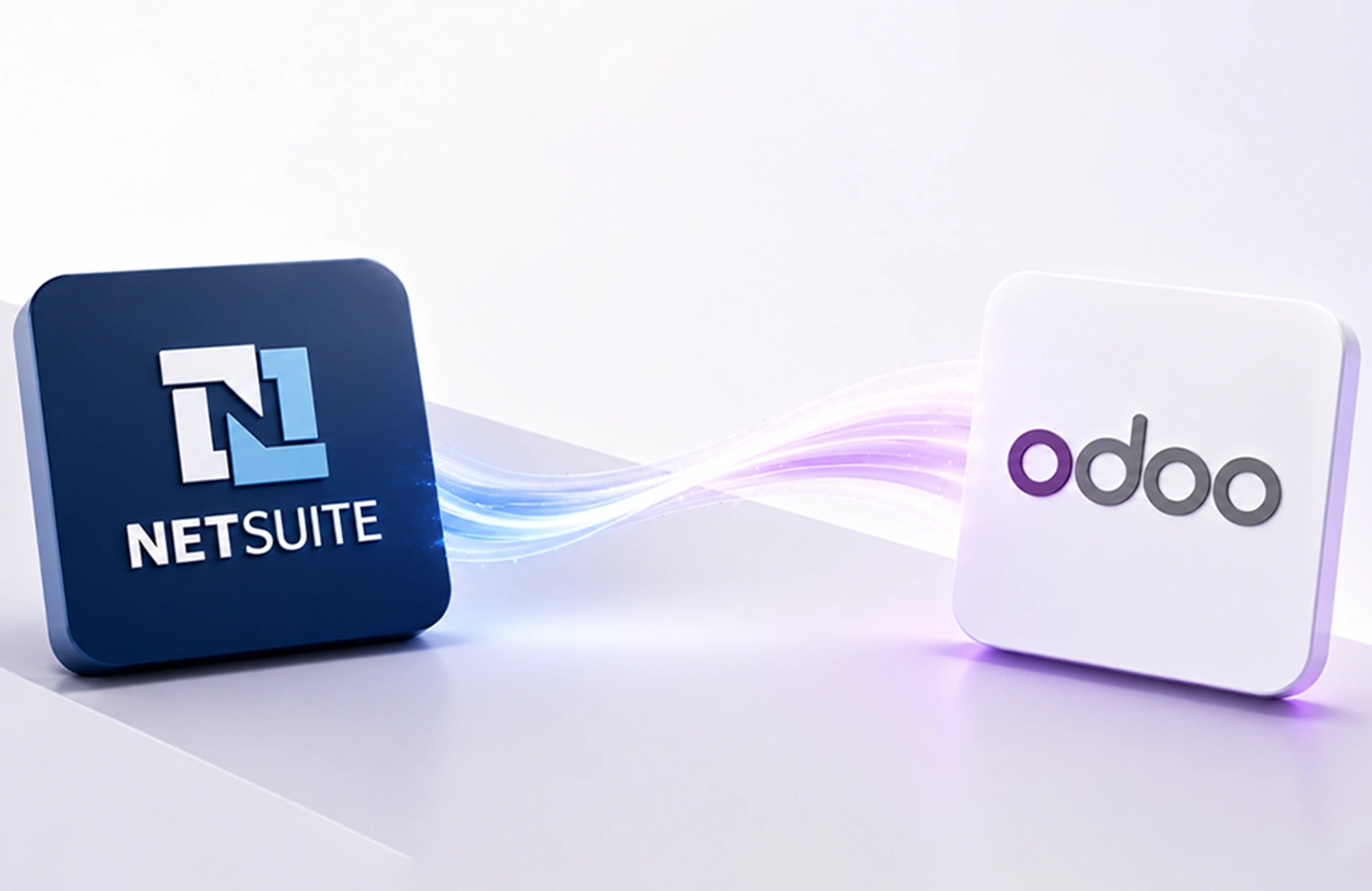
Surekha Technologies makes NetSuite to Odoo migration simpler, more structured, and business focused. Our experts manage data migration, process mapping, validation, and transition planning to protect critical information, minimize disruption, and support a confident move to Odoo.

Explore Our Migration Services
  • 50+ Successful Migrations
  • 15+ Odoo Migration Experts
  • 98% Customer Retention Rate in Last 3 Years
  • 24/7 Comprehensive & Dedicated Support

Our Technology Partnerships

  • Official Odoo Partner

    Odoo Partner

  • Onsite, Nearshore, and Offshore Delivery Models

Our Certifications

  • tuv-iso-certified-company

    ISO 9001:2015 Certified Company

  • Clutch Top ERP Consulting Company

    Top ERP Consulting Company

Migrating NetSuite to Odoo: Success Stories

View All

Our Core NetSuite to Odoo Migration Services

Moving from one ERP to another involves more than transferring records. It requires careful planning, accurate data handling, and a clear understanding of how existing processes will operate in Odoo. Every stage should support business continuity and data accuracy.

At Surekha Technologies, we approach each migration with a clear focus on your business requirements and existing data structure. From financial records and customer information to inventory and historical transactions, our services cover the critical areas required for a well-managed transition.

NetSuite Data Migration

NetSuite Data Migration

We manage structured data extraction, transformation, mapping, and validation to move essential records into Odoo while preserving important relationships, business context, and data accuracy throughout the migration.

Financial Data Migration

Financial Data Migration

Our financial migration services cover accounting records, charts of accounts, taxes, invoices, payments, and related information, maintaining the structure required for reliable reporting and everyday financial operations.

Customer & Vendor Migration

Customer & Vendor Migration

Surekha Technologies migrates customer and vendor profiles, contact details, pricing information, transaction history, and other relevant attributes, helping teams maintain complete, organized business records in the new ERP.

Product & Inventory Migration

Product & Inventory Migration

Product catalogs, stock quantities, warehouse information, units of measure, pricing, and inventory records are prepared for Odoo, creating a reliable foundation for ongoing product, stock, and warehouse management.

Sales & Purchase Data Migration

Sales & Purchase Data Migration

We transfer quotations, sales orders, purchase orders, and related transaction details while preserving essential information, helping teams retain operational context and continue managing sales and procurement activities after the transition.

Historical Data Migration

Historical Data Migration

Our historical data migration services preserve relevant records to meet business and compliance requirements, allowing teams to reference important past transactions while keeping the new Odoo environment focused on useful, accessible information.

Custom Data Migration

Custom Data Migration

Surekha Technologies handles custom fields, records, workflows, and business-specific structures that require additional mapping or transformation, accommodating unique requirements while protecting the integrity of critical business information.

Why Choose Surekha Technologies for NetSuite Odoo Migration

Changing your ERP is a business decision, not simply a technology project. Data, processes, reporting, and daily operations all need to move in the right direction. At Surekha Technologies, we look beyond the data transfer to understand how your business actually works.

Our experience across Odoo ERP projects helps us understand the practical challenges involved in moving business processes and data between different systems. We apply that experience to plan each migration around your specific requirements.
Every business uses its ERP differently. We assess your existing NetSuite setup, identify the information and processes that matter most, and build a migration approach that reflects your operational priorities instead of a one-size-fits-all model.
Data quality can make or break an ERP transition. Our approach includes data mapping, transformation, validation, and reconciliation to help ensure that important business information reaches Odoo accurately and remains usable after migration.
A migration can involve far more than customer and product records. Our team works across accounting, sales, purchasing, inventory, and historical data to meet the broader operational requirements of the transition.
We do not treat migration as a one-time data transfer. Testing and validation help identify inconsistencies before the final move, giving your team time to review results and address issues before Odoo becomes the primary working environment.
The work does not necessarily end when the data reaches Odoo. We can support your team through post-migration adjustments, troubleshooting, and improvements as users become familiar with the new system and business processes settle into place.

Ready to Move Beyond NetSuite?

Plan your transition with a migration approach built around your data, processes, and business priorities.

Get a Free Migration Assessment

Our NetSuite to Odoo Migration Process

A successful ERP migration starts long before the first record is moved. Our approach combines business understanding with technical validation to make sure your NetSuite data is prepared correctly for Odoo. We break the migration into clear stages, giving you visibility at every step.

Discovery & Migration Assessment

We begin by understanding your NetSuite environment, business processes, customizations, integrations, and data volume. This assessment helps identify what needs to move, what can be archived, and where data structures may differ between NetSuite and Odoo.

Data Mapping & Migration Planning

Next, we map NetSuite fields, records, and relationships to their corresponding Odoo models. Customer, vendor, product, accounting, sales, purchase, and inventory data are reviewed individually to define the right migration rules and transformation requirements.

Data Extraction & Transformation

The required data is extracted from NetSuite and prepared for Odoo. During this stage, our team cleans inconsistent records, standardizes formats, removes unnecessary duplicates, and transforms data where NetSuite and Odoo use different structures.

Odoo Configuration & Data Preparation

Before importing the data, the Odoo environment is configured around the approved business requirements. This includes relevant modules, fields, workflows, access rights, and other settings needed to accommodate the migrated information.

Pilot Migration & Validation

We perform a test migration before the final move. The migrated records are reviewed in Odoo to check data relationships, field values, transaction history, accounting information, and other critical elements. Any issues identified during validation are corrected before proceeding.

Business Testing & User Review

Your team gets an opportunity to work with the migrated data and verify whether it supports real business scenarios. Sales, finance, purchasing, inventory, and other relevant users can review their respective areas and provide feedback before go-live.

Final Migration & Go-Live

Once the data and Odoo environment are approved, the final migration is performed using the validated migration approach. We coordinate the cutover carefully to reduce disruption and ensure the latest approved business data is available in Odoo.

Post-Migration Support

After go-live, we remain available to address data-related questions, configuration adjustments, and issues identified during real-world usage. This helps your teams settle into Odoo and ensures the migrated environment continues to meet business requirements.

Key Benefits of Moving from NetSuite to Odoo ERP

For some businesses, NetSuite becomes difficult to justify as requirements change. A NetSuite-to-Odoo migration offers a chance to address rising costs, complex customization, usability concerns, and operational limitations with a more manageable ERP setup.

Reduce Recurring ERP Costs

High subscription, support, and customization expenses can prompt businesses to migrate from NetSuite to Odoo and reconsider their long-term ERP spending.

Move Away from Costly Customizations

Businesses facing additional charges for system changes may consider migrating from NetSuite to Odoo to adopt an ERP environment with greater flexibility for business-specific requirements.

Simplify a Complex User Experience

When a complicated interface creates a learning curve for employees, moving to Odoo can make every ERP interaction easier to understand and manage.

Rework Processes Around Current Needs

Businesses often outgrow processes designed around earlier requirements. An Odoo ERP migration provides an opportunity to reassess workflows instead of carrying unnecessary complexity into the future.

Bring Disconnected Operations Together

Companies using separate tools alongside NetSuite may consider Odoo to bring functions such as sales, purchasing, inventory, accounting, and customer management into a more connected operating environment.

Make Future Changes More Practical

As business requirements evolve, frequent system changes can become difficult to manage. NetSuite to Odoo Migration Services can support a transition toward an ERP environment designed around current and anticipated operational needs.

Common Challenges We Address in NetSuite-to-Odoo Migration

Every NetSuite-to-Odoo transition has its own data, process, and operational complexities. Our approach pairs each challenge with a practical solution to protect accuracy and business continuity throughout the move carefully.

Migration Challenge
⚠

Different Data Structures

⚠

Customizations & Business Logic

⚠

Historical Data Decisions

⚠

Data Quality Before Transfer

⚠

Maintaining Business Continuity

⚠

Integrations & Connected Systems

⚠

User Readiness After the Move

How We Solve It

NetSuite to Odoo Migration

100% Completed
✶
Structured Data Mapping
We map NetSuite fields, records, relationships, and dependencies to their appropriate Odoo structures, helping prevent missing information, broken associations, and inconsistent records after transfer.
✔ Solved
➤
Customization Assessment
Our team reviews custom fields, workflows, scripts, and business rules to determine what should be recreated, redesigned, replaced, or retired instead of simply duplicating existing NetSuite customizations.
✔ Solved
⚙
Relevant Data Selection:
We assess financial, customer, transaction, and operational history to determine what should move into Odoo, helping preserve useful records without unnecessarily filling the new environment with legacy information.
✔ Solved
◉
Data Cleansing & Validation
Duplicate customers, outdated products, incomplete records, and inconsistent formats are identified and addressed before migration, creating cleaner and more reliable data for the new Odoo environment.
✔ Solved
◆
Controlled Cutover Planning
We coordinate testing, final data transfer, user readiness, and go-live activities to help keep sales, purchasing, finance, inventory, and customer operations running with minimal disruption.
✔ Solved
✔
Integration Compatibility Review
Existing connections with ecommerce platforms, payment providers, shipping applications, and other systems are assessed so required data flows can be planned and supported within the Odoo environment.
✔ Solved
◉
Testing, Training & Support
We involve users in validation, help teams understand their processes in Odoo, and provide post-go-live support so employees can confidently work with the new environment.
✔ Solved

Plan Your NetSuite to Odoo Transition

Have questions about your data, customizations, or migration requirements? Let’s discuss your current NetSuite environment and define a practical path forward for your Odoo transition.

Talk to Our Migration Experts

Our Flexible Engagement Models

Choose an engagement model based on your migration scope, the level of technical involvement required, and the resources available on your team.

Fixed Price

  • Best for: Migration projects with clearly defined scope and requirements.
  • Clearly defined migration scope, deliverables, and timelines.
  • Predictable budget from migration planning through completion.
  • Structured planning, validation, and controlled execution.
  • Clear milestones for migration planning, testing, cutover, and completion.

Time & Material

  • Best for: Migration projects with evolving data, customizations, or integration requirements.
  • Flexible scope based on changing migration requirements.
  • Pay for the actual migration time and technical effort required.
  • Faster feedback and adjustments as requirements evolve.
  • Adaptable approach for complex or changing migration needs.

Success Pack

  • Best for: Businesses needing ongoing migration assistance, enhancements, or post-migration improvements.
  • Prepaid support hours for ongoing migration assistance and system improvements.
  • Cost-effective support for migration updates, adjustments, and enhancements.
  • Regular assistance for migration-related requirements.
  • Ongoing support for post-migration improvements and system changes.

24x7 Support

  • Best for: Mission-critical Odoo environments requiring continuous migration and technical support.
  • Round-the-clock support for critical migration and Odoo system issues.
  • Faster issue resolution with priority technical assistance.
  • Proactive monitoring and technical assistance for reliable Odoo system performance.
  • Minimize downtime and operational disruption with continuous expert Odoo support.

Latest Insights

View All

FAQs Related to NetSuite to Odoo Migration

Odoo can offer businesses a more flexible ERP environment with modular applications, broader customization options, and different deployment choices. The right fit depends on your business requirements, existing NetSuite setup, operational processes, budget, and long-term ERP plans.
The cost depends on factors such as data volume, customizations, integrations, historical records, Odoo configuration, and testing requirements. After assessing your NetSuite environment, we can define the migration scope and provide a project estimate.
Surekha Technologies reviews your existing financial structure, including the Chart of Accounts, taxes, invoices, payments, and related records. We map the required information to Odoo, validate the migrated data, and perform testing to support accurate financial operations after go-live.
We consider data security throughout the migration process. We use controlled data handling, access management, validation, and transfer procedures to protect business information. We plan migration activities based on each project's data sensitivity and technical requirements.
The timeline depends on data volume, customizations, integrations, historical records, and business requirements. After assessing your NetSuite environment, we define the migration scope, testing requirements, and cutover plan to establish a realistic project timeline.
Data can include customers, vendors, products, pricing, accounting records, invoices, payments, sales orders, purchase orders, inventory, and historical transactions. We determine the exact scope through data assessment, mapping, and business requirements before migration begins.
Yes. We can migrate historical data based on its business value, reporting needs, and compliance requirements. We assess relevant records and decide what should move to Odoo, preserving useful history without adding unnecessary outdated information.
We review existing NetSuite custom fields, workflows, scripts, and business rules to determine what to recreate, redesign, replace, or retire. This assessment helps address important business requirements without unnecessarily duplicating legacy customizations in Odoo.
Yes. The migration is planned around business continuity, with testing, user validation, cutover planning, and final data transfer performed in controlled stages. This approach helps reduce disruption to essential sales, purchasing, finance, inventory, and customer operations.
Yes. Our support continues after go-live, including help with data-related questions, configuration adjustments, troubleshooting, and user issues. This helps your team address practical challenges as employees become familiar with Odoo and the new operating environment.